# Debug and Run
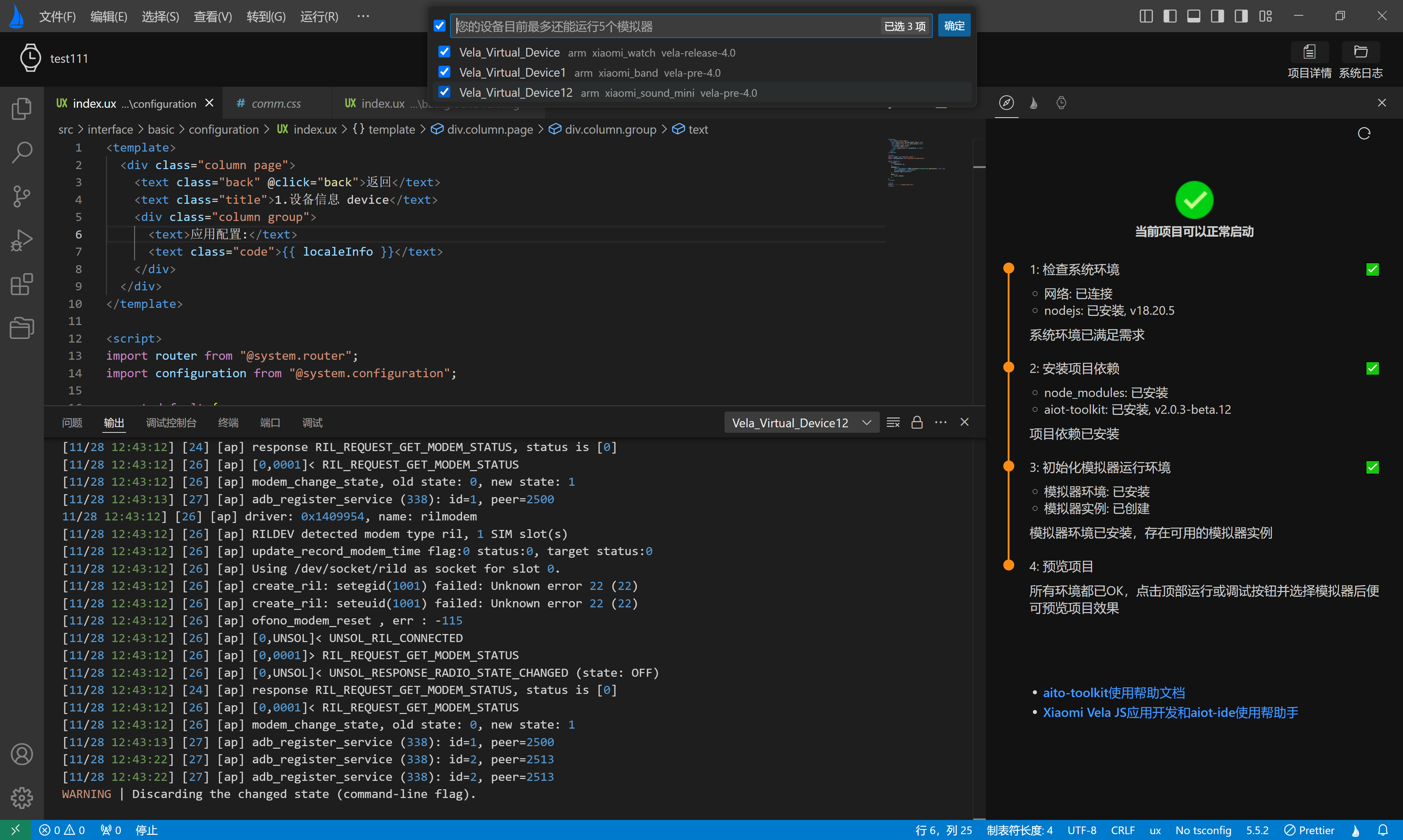
Click the Select Device button, choose the simulator to run, click OK, and then click the Debug button to start the corresponding simulator.
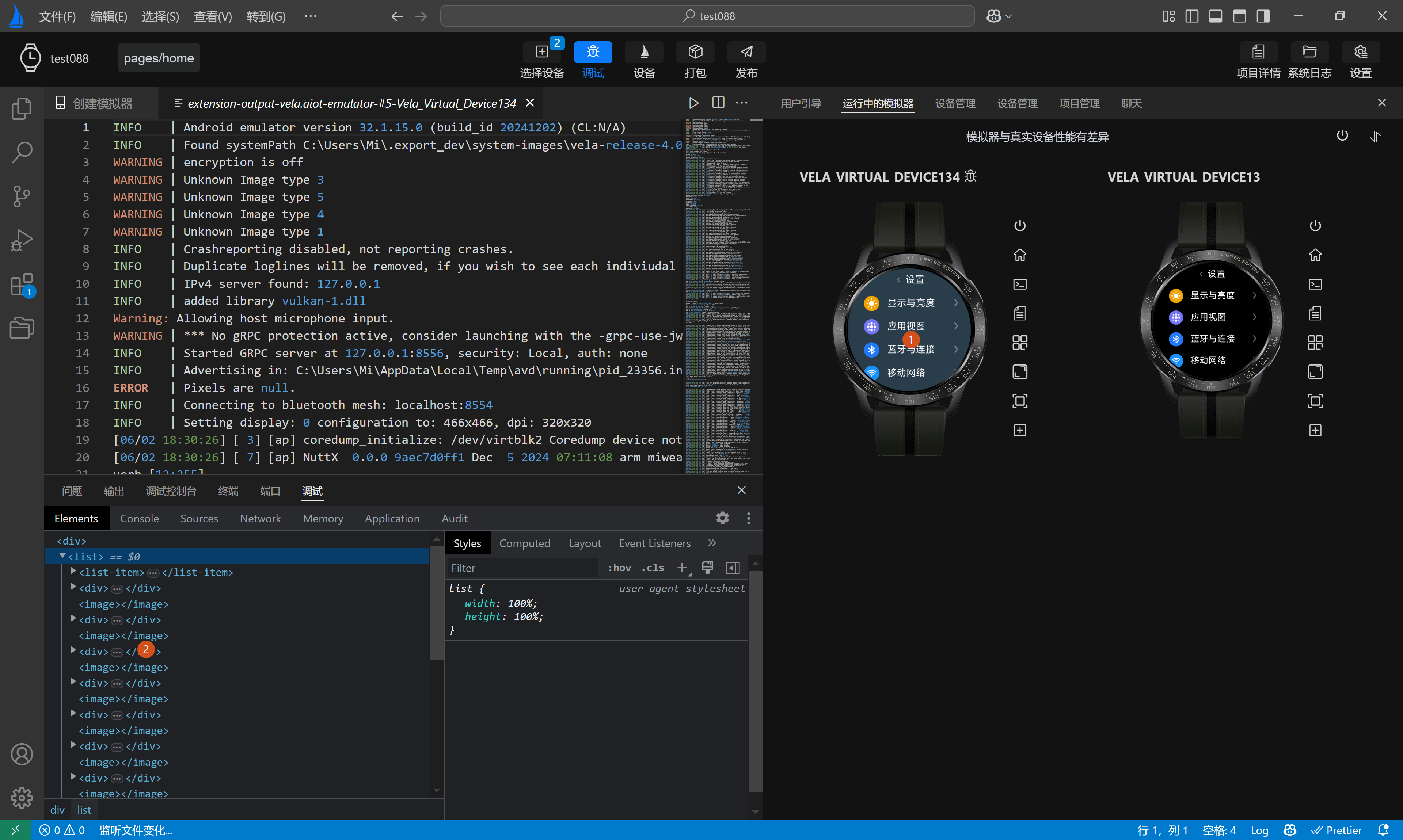
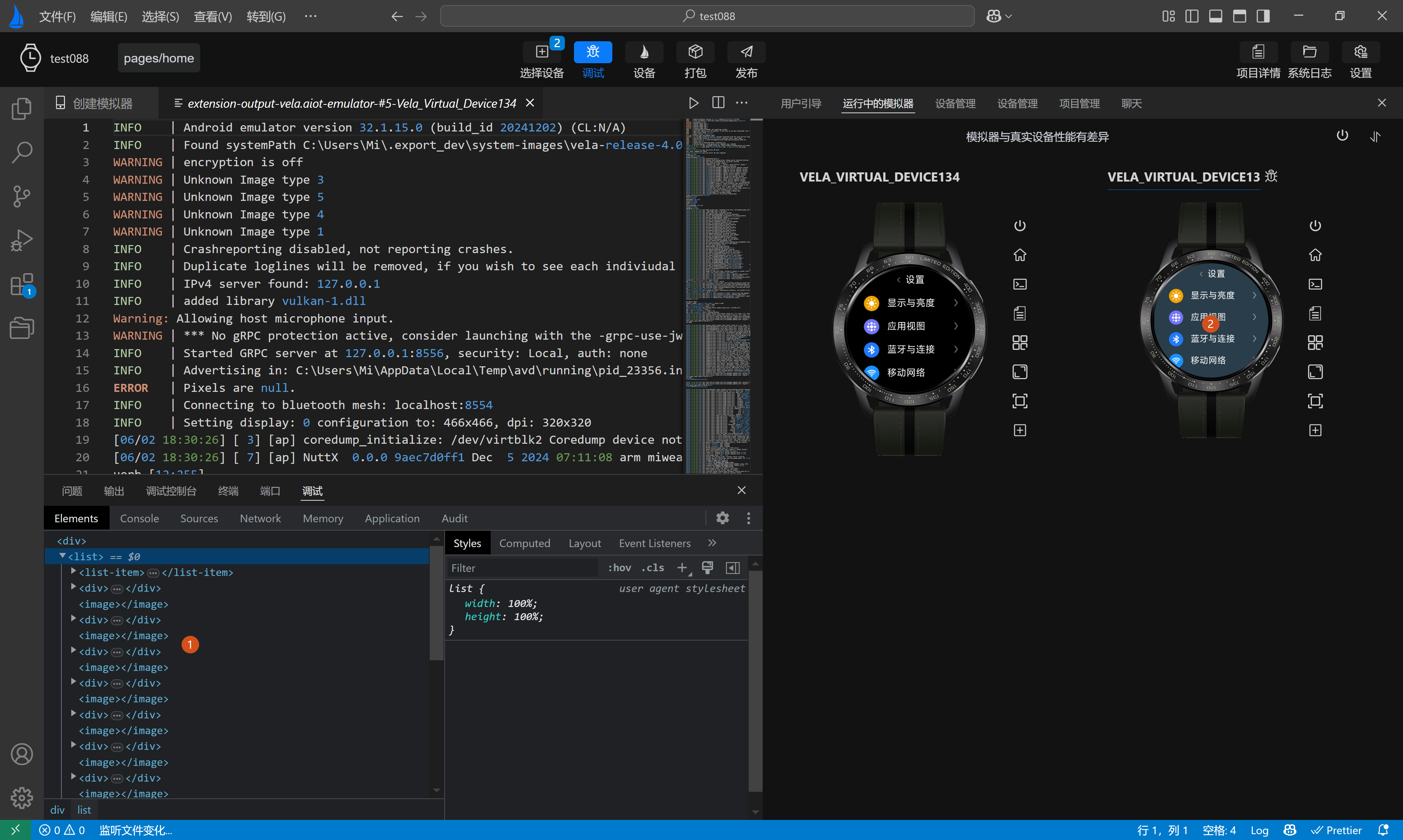
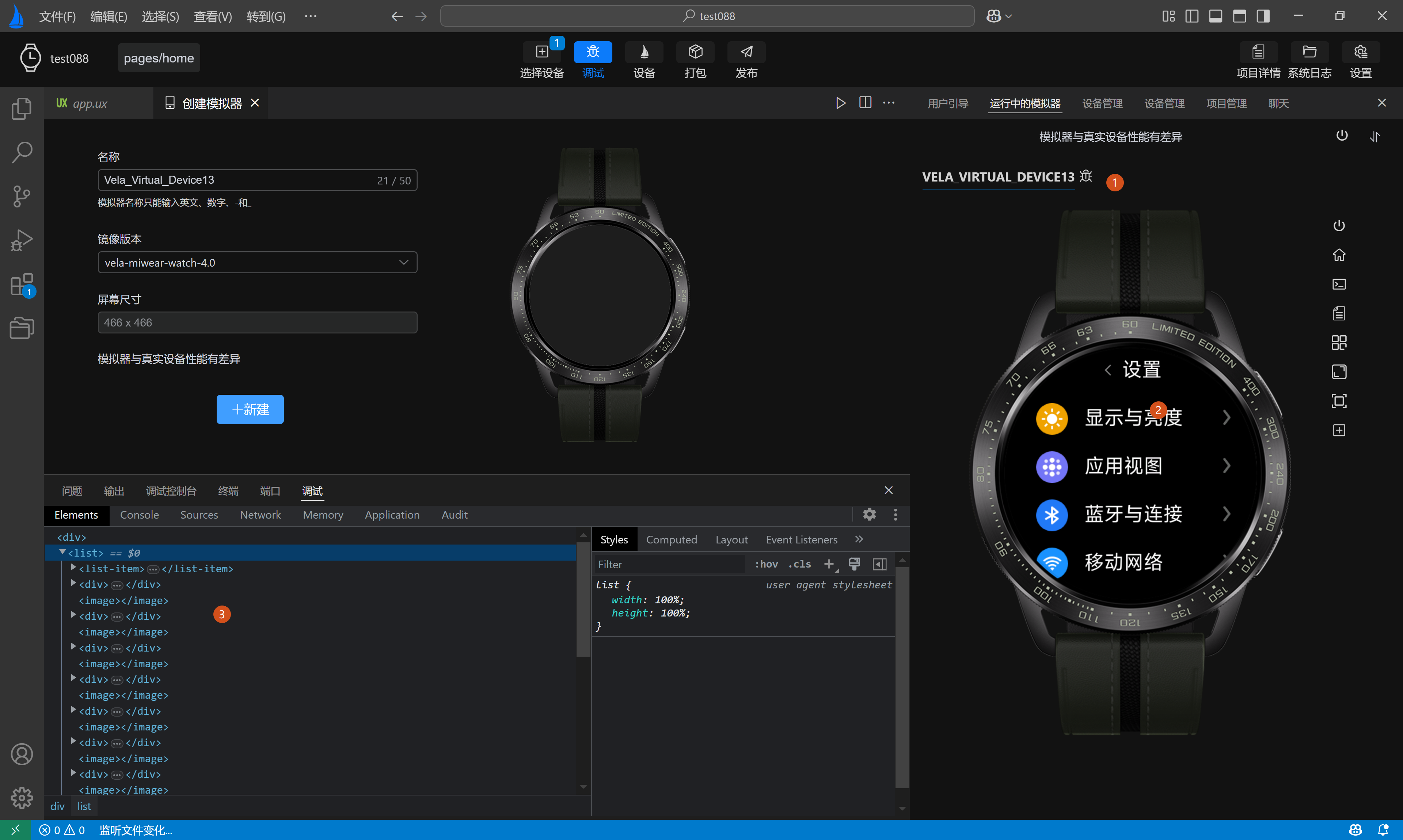
After the simulator starts successfully, the debug page will open. When multiple simulators are running, the debug window corresponds to the simulator with a selected effect in the title on the simulator's running page (as shown in labels 1, 2, and 3 in the figure below).
Click on a simulator to switch the debug service and perform corresponding debugging.