
# Run the emulator
Click the Run icon in the emulator list on the Device Management page to automatically run the emulator, and the button will enter a loading state. However, after successfully running the emulator through the Device Management page, the currently opened Xiaomi Vela JS Application Project will not be pushed. You still need to click the Select Device button in the top action bar, select the running emulator, and then click the Debug button to run the current project.
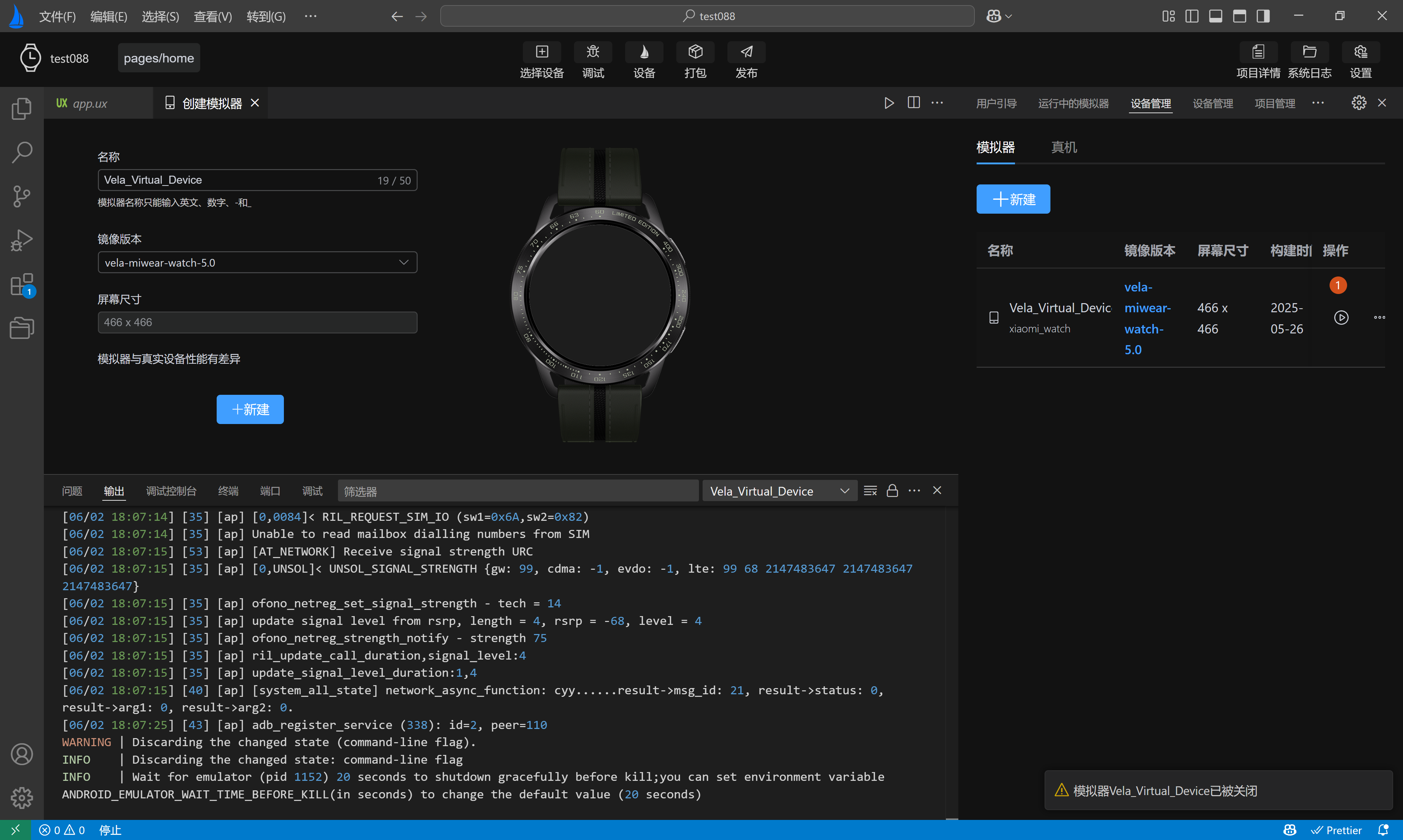
After successful running through the Device Management page, different images will exhibit different behaviors:
The emulator with the
vela-miwear-watch-5.0image version will display the watch face page.The emulator with the
vela-miwear-watch-4.0image version will display the watch face page.The emulator with the
vela-watch-4.0image version will display a black screen.
As shown in labels 1 and 2 in the following figure:
